Updated
While the Marquee app does automatically adjust playback quality to match your connection, you can also change it manually. This may be helpful if you are in an area where you know your connectivity is inconsistent, or during times of unprecedented heavy usage such as the coronavirus outbreak.
Note: All mobile apps support short term downloads. If your internet connection is really going to be poor, download before you travel.
In App:
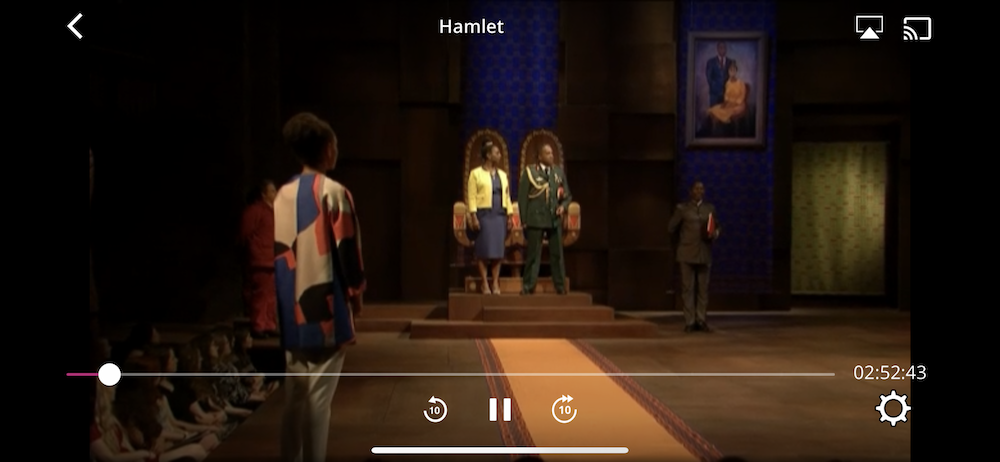
Step 1: Touch your screen and open the player window. Select the gear icon in the lower right corner
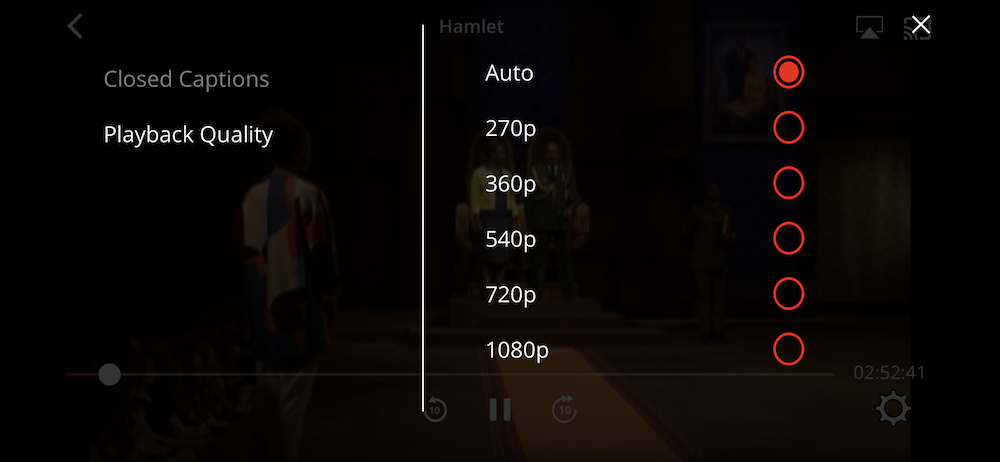
Step 2: Select video quality
In Browser:
Note: Safari does not allow you to do this. We recommend a different browser if you're experiencing this issue. If on Safari mobile, please download the Marquee App
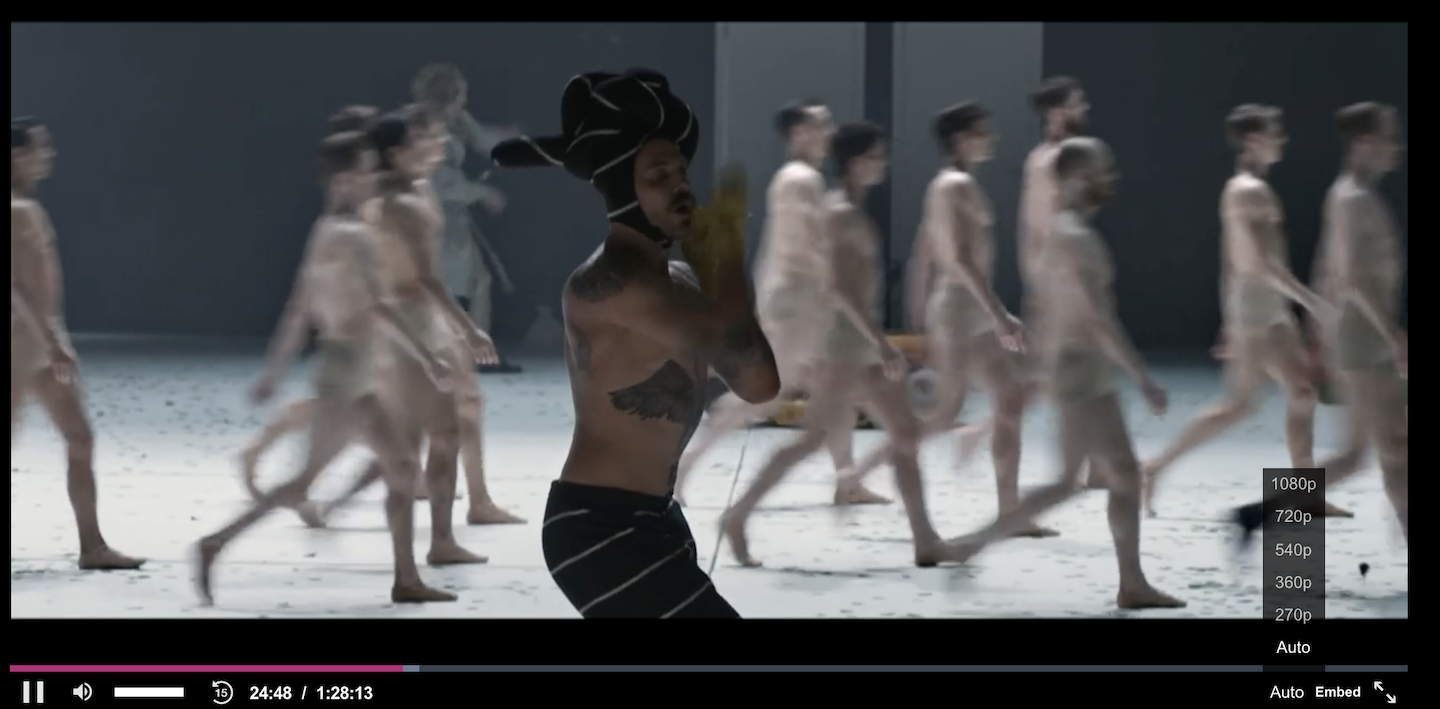
Step 1: Touch your screen and open the player window. Select where it says "auto"
Step 2: Select a video quality