Updated
You can cancel your subscription anytime, including during your free trial period.
If you signed up via our website, you can cancel your subscription using the following steps.
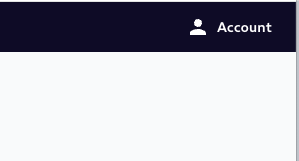
Log into your account and click on ''Account'' in the upper right-hand corner.
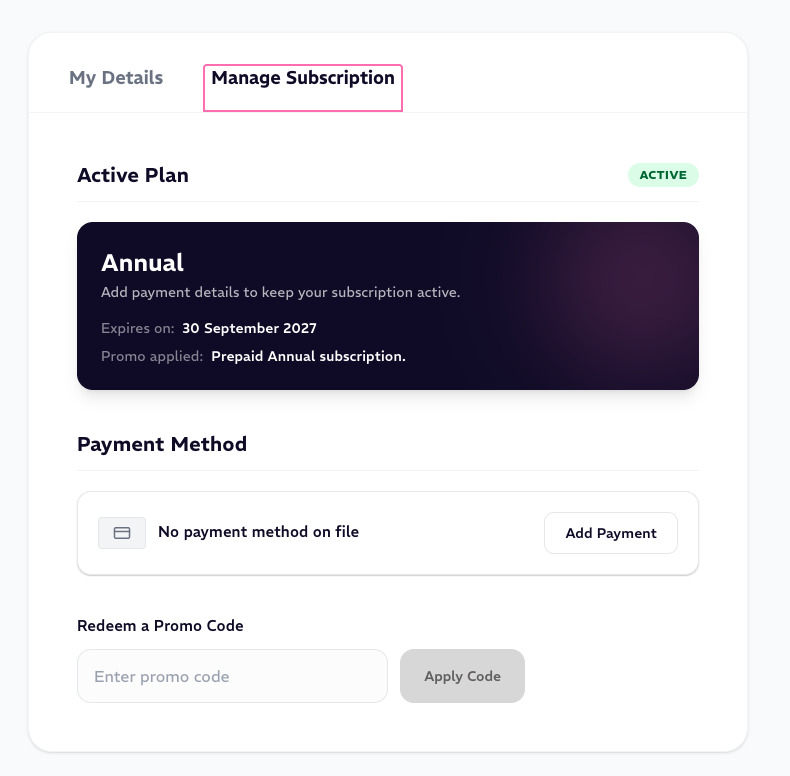
Go to the tab 'Manage Subscription'
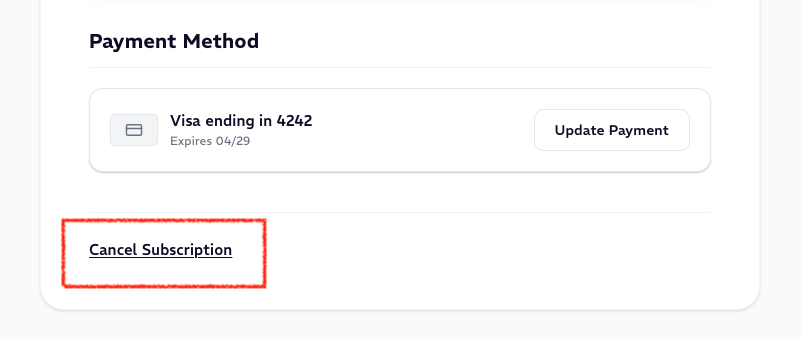
Lastly, scroll down and select ''Cancel Subscription.''
If you subscribed via a third-party platform please follow the relevant steps below:
If you signed up within Apple iOS or Apple TV app, follow the steps here: https://support.apple.com/en-us/HT202039
If you signed up within a Google Play/Android app, follow the steps here: https://support.google.com/googleplay/answer/7018481
If you signed up within the Roku channel, follow the steps here: https://support.roku.com/article/208756478-how-do-i-manage-or-cancel-a-subscription
If you signed up with Amazon, follow the steps here: https://www.amazon.com/gp/help/customer/display.html?nodeId=GDT2SXJJ7K49JKYE
If your provider is not listed please go directly to their service pages or email support@marqueearts.tv