Updated
If you'd like to save titles to watch later, you can use the Watchlist feature.
First, search for or find the title you'd like to add to your Watchlist.
Next, click on the title and find the ADD symbol located at the bottom left corner of the video.

Clicking this symbol will add the selected title to your watch list.
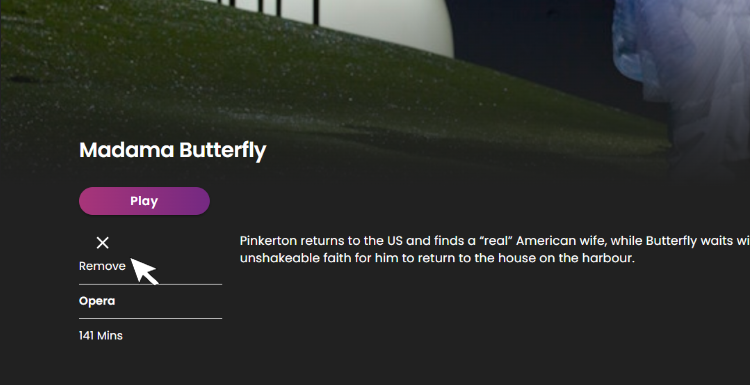
If you'd like to remove a title from your Watchlist locate and select the remove symbol.