Updated
On the web:
Once the performance is playing, click on the cc icon in the lower right corner of the player. It can be found next to the gear ‘Settings’ icon, and the ‘Fullscreen’ button.
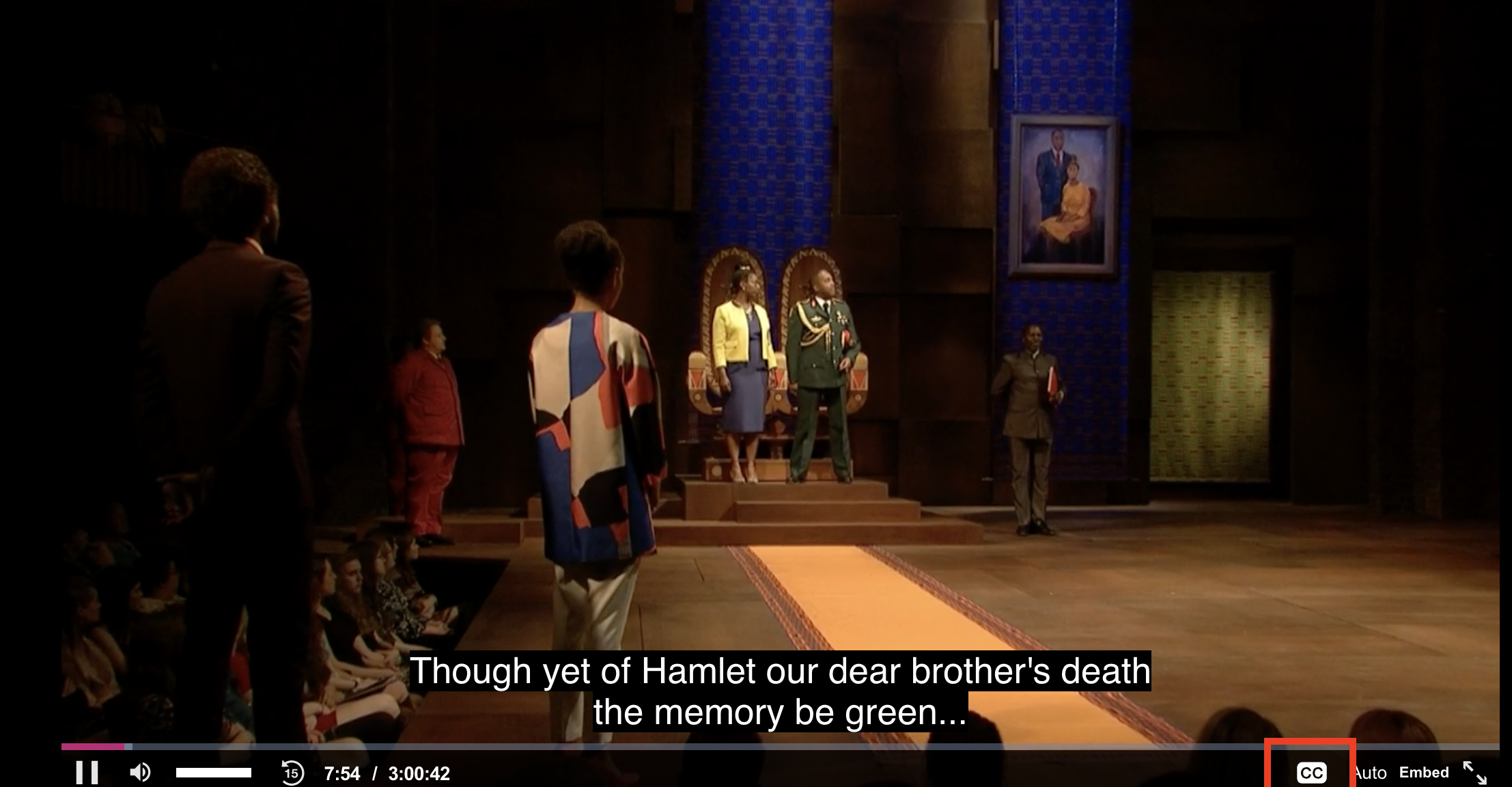
Click the toggle to turn on subtitles in the language of your choice.
In Mobile App:
1. Touch your screen so that the player features are evident:
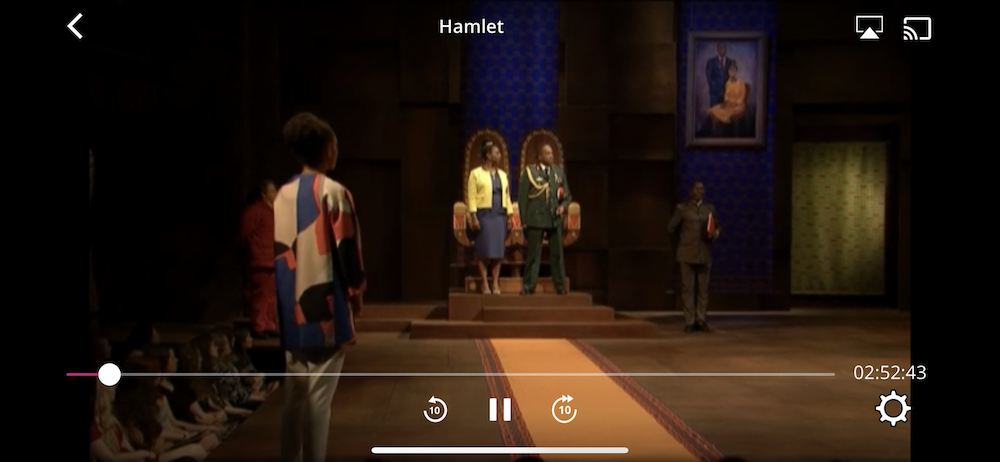
2. Click the gear in the lower right corner
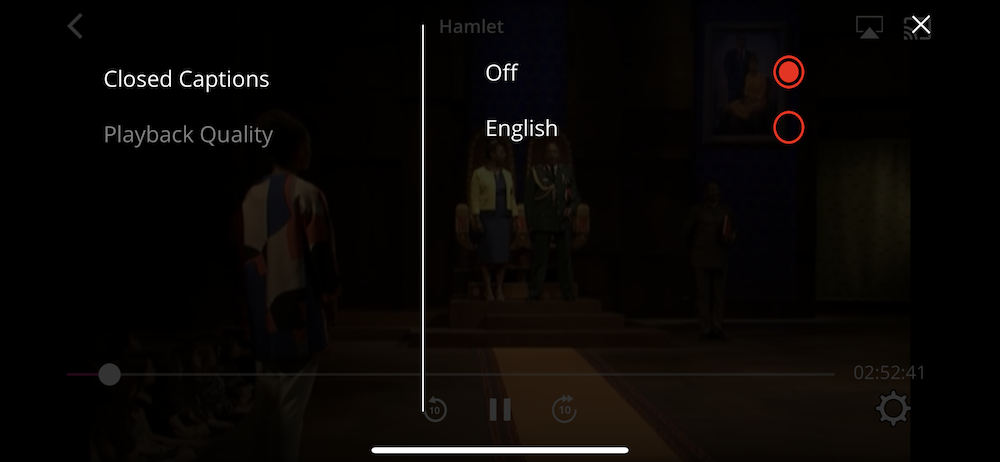
3. Select language