Updated
Here is how to activate subtitles on our Amazon Fire TV apps:
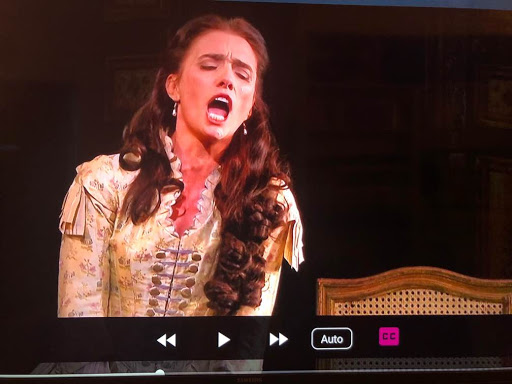
Once the performance is playing, activate the control bar at the bottom of the screen (using any control should do this) click on the cc icon in the lower right corner of the player. It can be found next to the gear ‘Settings’ icon, and the ‘Fullscreen’ button.
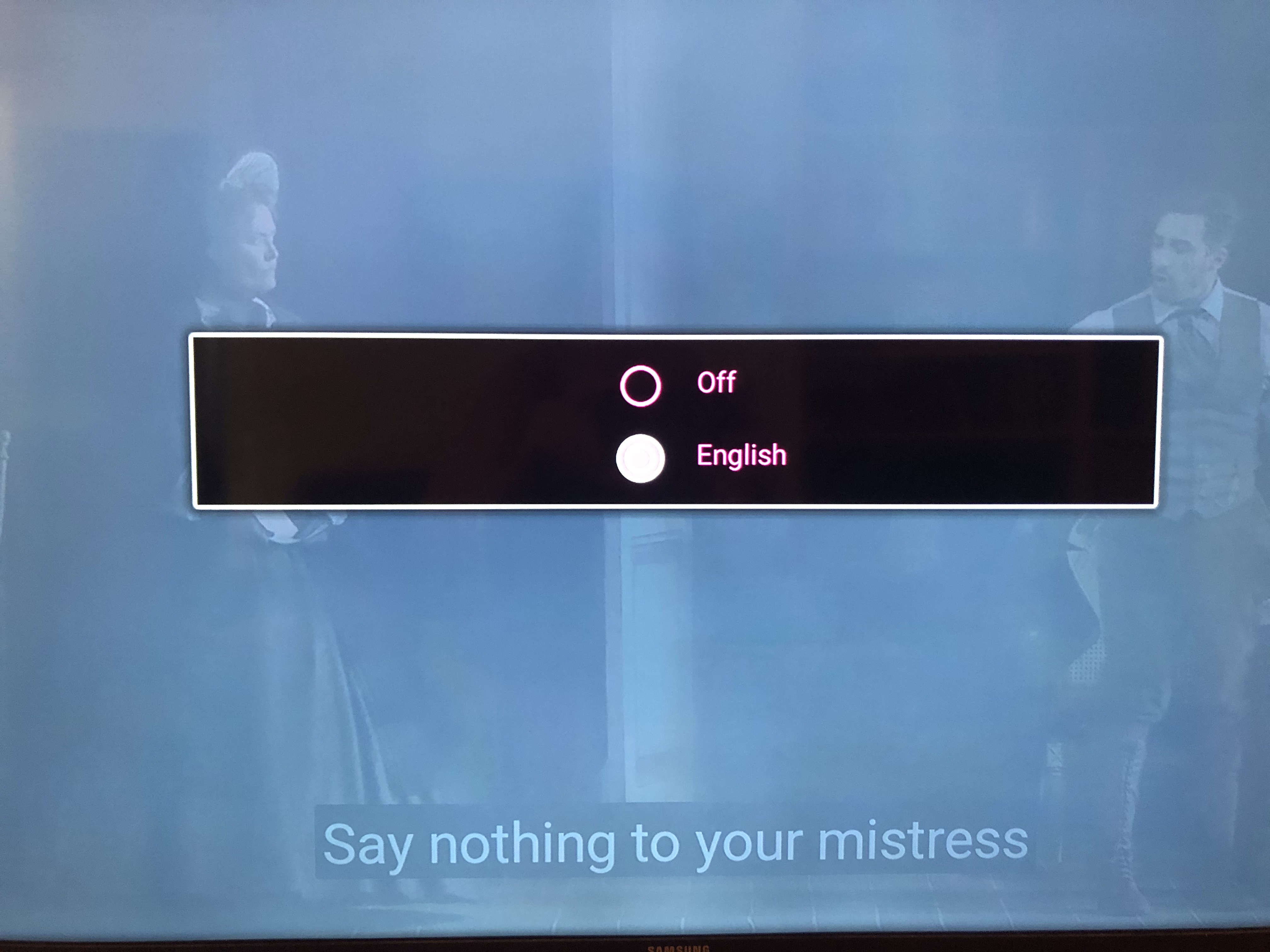
Then simply select the language of your choice: