Updated
You can easily change your password via the account section of our website.
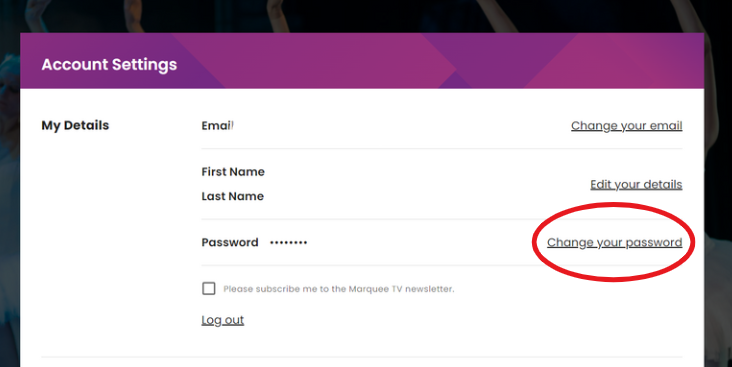
If you are logged in and wish to change your password navigate to the My Account section located at the top right-hand corner of your screen.
There you will see an option to reset your password.
If you are trying to log in and have forgotten your password select Forgot Password on the sign-in page and an email will be sent to the email account you used to sign up.