Updated
To manage your account navigate to the Account button located at the top right-hand corner of your screen.
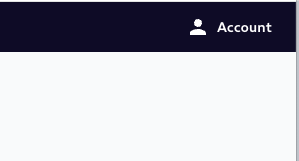
Once you have accessed your Account you will be able to...
Cancel your subscription
Change your payment plan
Change your password
Update personal information such as email, first name, last name, and payment card information
Note: Currently, you are unable to manage...
Your device
Parental controls
We are working to provide these services. Check back in soon for parental controls and device management.